Home

Our Projects

We also make websites for the things you create away from the game. Here are four other projects from the team behind Pokopia Recipes, with a few ideas for getting started.

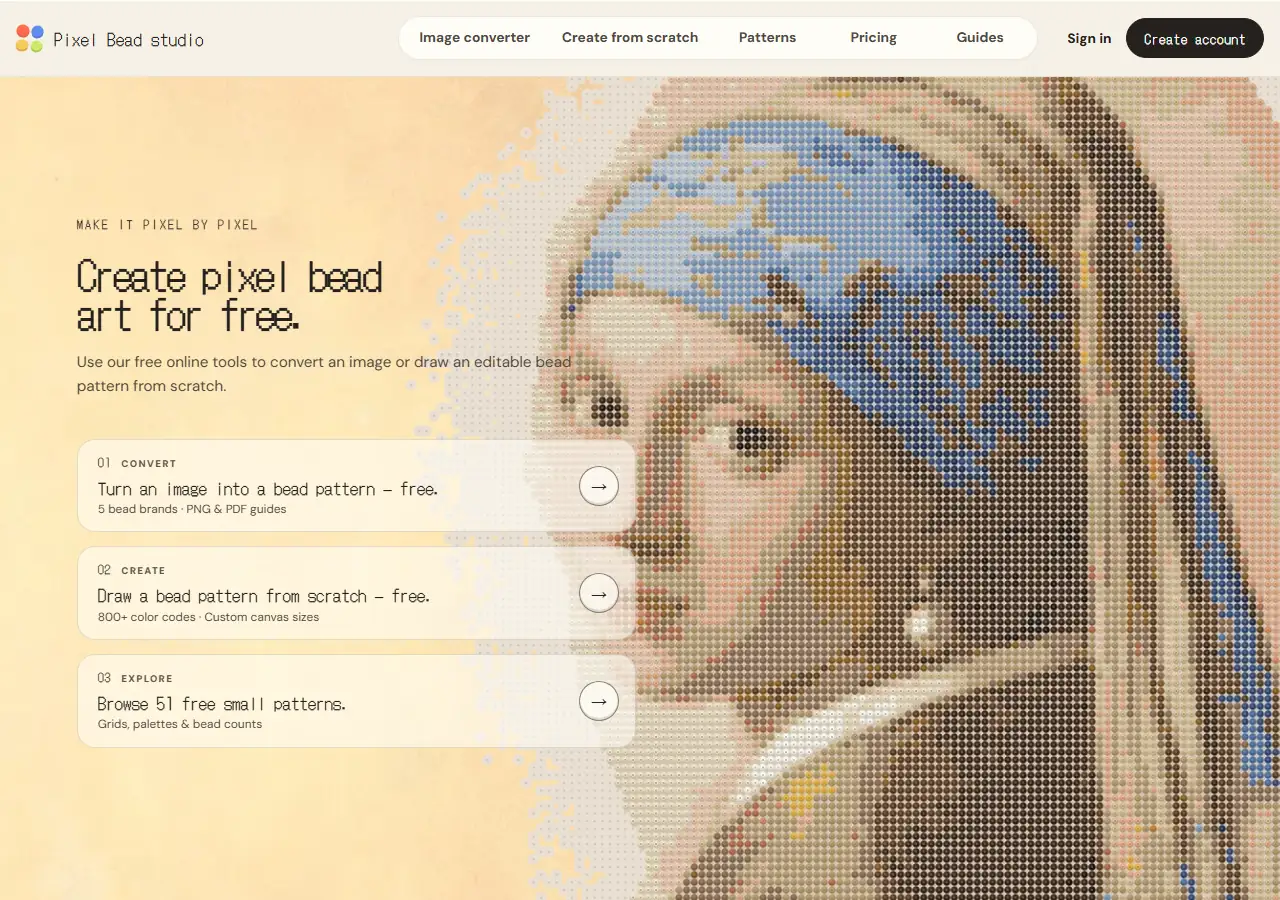
Pixel Bead studio homepage with image conversion and drawing options.
pixelbeadstudio.com

Pixel art & crafts

Pixel Bead studio

Turn a picture into a pattern you can build.

Pixel Bead studio helps you plan fuse bead projects in your browser. Upload an image to convert it into a bead grid, or start with a blank canvas and draw your own design. You can edit individual beads before committing to the pattern.

Choose a palette from brands including MARD, Perler, Hama, and Artkal, then check the color codes and bead counts. PNG and PDF guides give you a reference to keep beside the pegboard. Both the image converter and drawing tool are free to use.

Try this first

Start with a small drawing of a fruit or flower, then adjust the outline and check how many beads you'll need.
Create a Bead Pattern
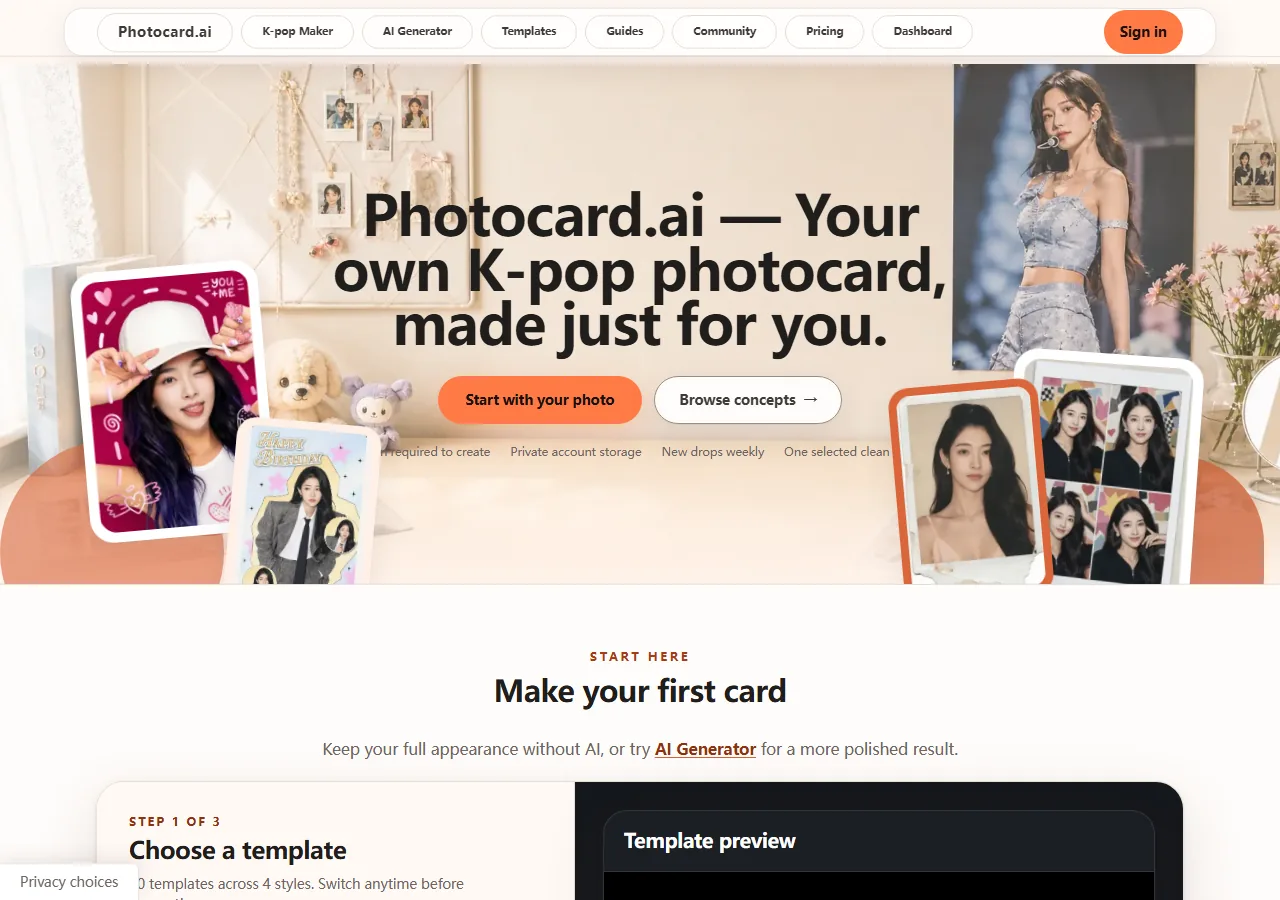
Photocard.ai homepage with K-pop photocard templates and a photo upload area.
photocard.ai

K-pop & photo design

Photocard.ai

Make a K-pop photocard from a photo you love.

Photocard.ai is for making fan-made K-pop photocards with your own photos. Browse album-inspired, birthday, photobooth, and vintage templates, then choose a layout that suits your picture. The photo-based maker keeps your original photo intact, while the AI Generator lets you try a different look.

Check the crop and layout in the preview, then export a high-resolution file when you're ready to print. The guides cover standard 55 × 85 mm photocards, full-bleed files, and printing at the right size, so you can check one card before preparing a batch.

Try this first

Try a vintage template with a photo you're allowed to use, then compare the crop and border before exporting.

Make a Photocard
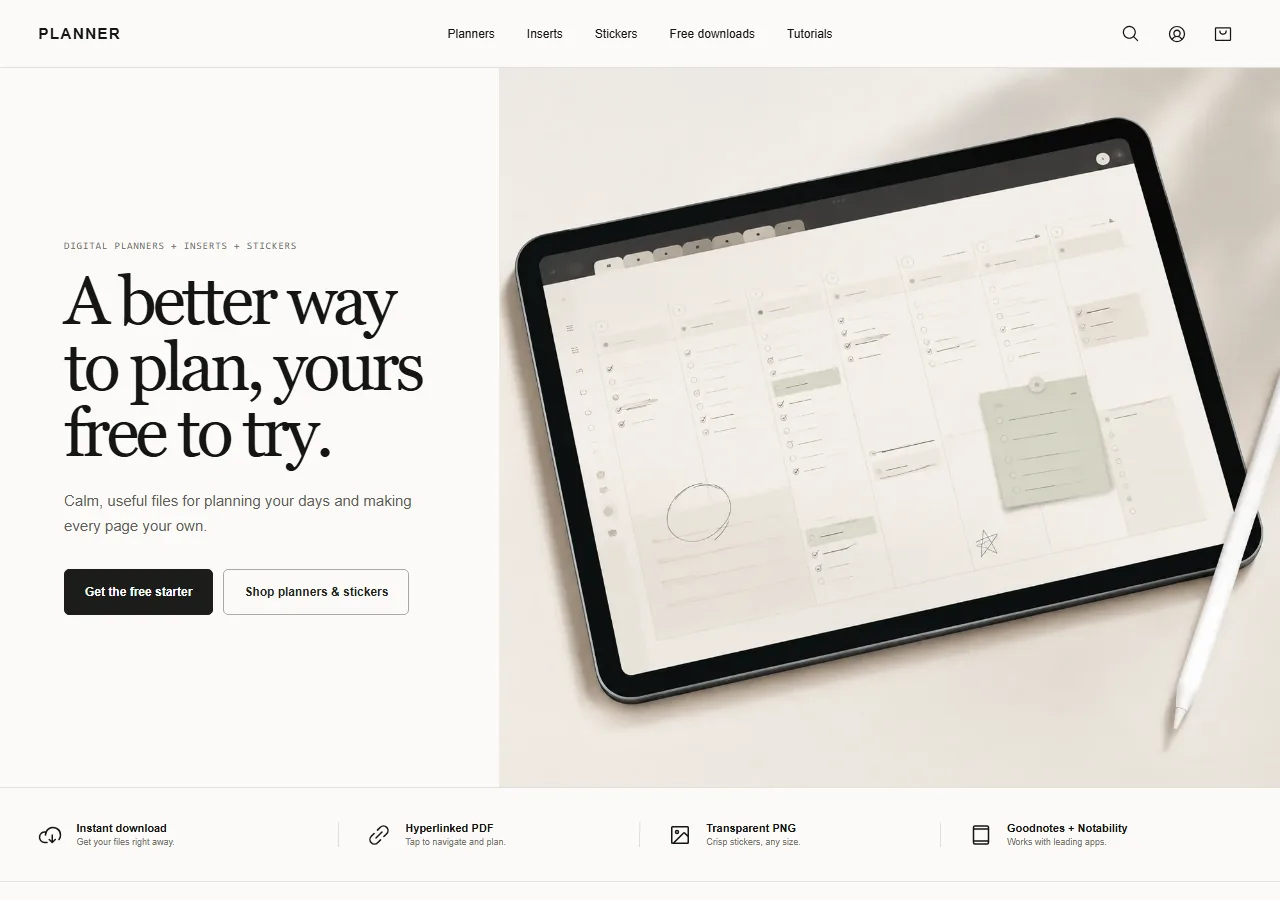
Planner website with digital planners and materials for personal planning.
plannerdigital.co

Digital planning

Planner

Find pages that fit the way you plan.

Planner brings together digital planners, reusable page inserts, and stickers for your notes and daily plans. Browse complete planners or pick individual materials to add to a notebook you already use. Sticker collections cover everyday planning, study sessions, and seasonal pages, with free downloads available to try.

The tutorials walk through importing a PDF into Goodnotes, using page links, and organizing stickers. They also explain how to personalize a finished planner with extra pages and covers. If digital planning is new to you, the beginner guide gives you a practical place to start.

Try this first

Choose a free sticker pack and use it on one planning page before building a larger collection.

Explore Digital Planners
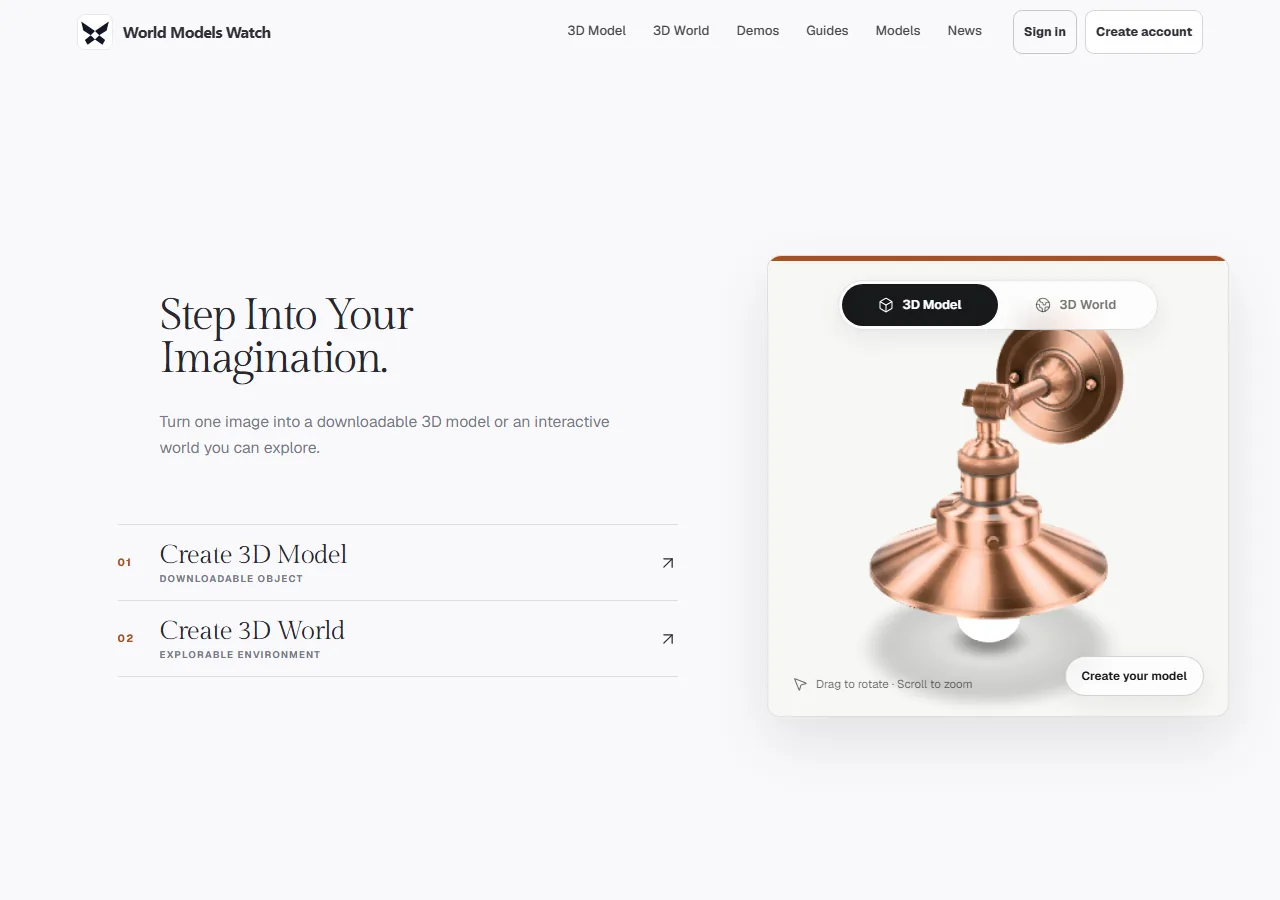
World Models Watch homepage with options for 3D models and explorable worlds.
worldmodelswatch.com

AI & 3D creation

World Models Watch

Explore what your next idea could look like in 3D.

World Models Watch brings together AI tools for creating 3D objects and explorable environments. Start with the kind of result you want: a model you can orbit and download, or a world you can move through. The studio lets you choose an engine for that task.

Guides explain workflows for game assets and environments, while the news and model pages help you follow the tools behind them. Each generation engine has its own inputs and output formats; the studio shows the available options when you choose one.

Try this first

Start by browsing the demos, then decide whether your idea needs a single object or a whole environment.

Explore 3D Creation

Project links open the other website in a new tab.

Back to your next Pokopia project?

Find a recipe, look up an ingredient, or plan what to craft next in Pokopia.

Back to Pokopia Recipes